
For people
Your digital identity, designed around you.
DigiD Ghana is being built so that logging in to a service is something you decide, on your own phone, in a few seconds.
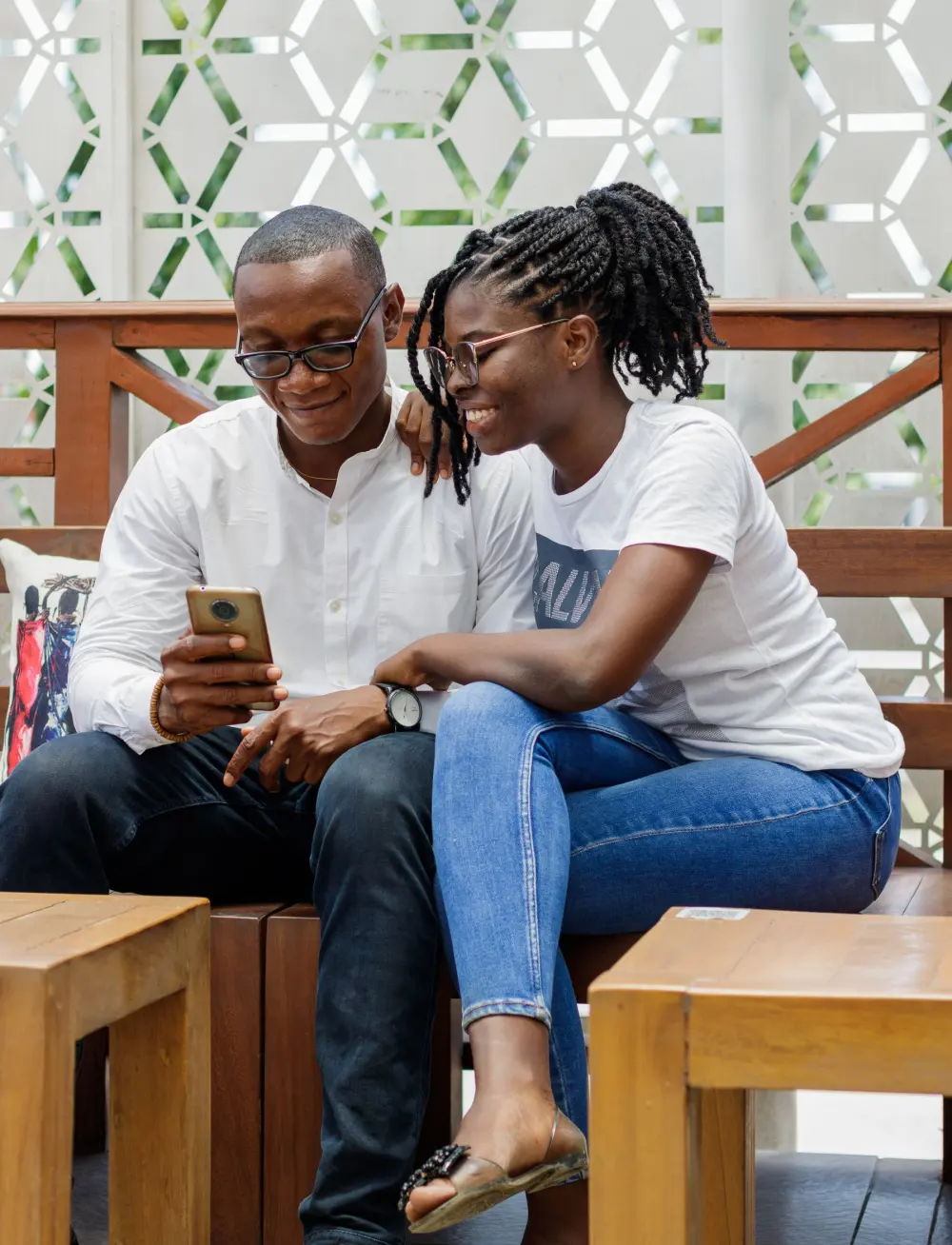
What it will feel like
A service asks. Your phone shows who. You decide.
- You open the DigiD Ghana app and see exactly which website is asking.
- You approve with your PIN code, or with Face ID or a fingerprint if you choose them.
- Nothing is shared that you did not approve, and different websites cannot link your logins together.
- You can see where you logged in and when, and remove a device you no longer use.
Where it stands
What works today, and what is still to come.
The app
A mobile app with a PIN code, optional Face ID or fingerprint, a verification code, a QR scanner, a login history and a list of your devices.
Working in testingApproving a login
The website asks, the app shows the website’s name, and you approve. Your phone’s secret key signs the approval and never leaves the phone.
Working in testingIdentity checks
Checking who a person really is, with an official source, is not connected. Everything today uses invented people.
PlannedAvailability
DigiD Ghana is coming soon and is not yet open to the public. There is nothing to download or register for yet.
PlannedLost phone recovery
How a lost or stolen phone will be handled has not been decided and is switched off.
PlannedLanguages
English only for now.
In development
The app
The DigiD Ghana app, as it is today.
These are real screens from the test version of the app. Every person and website in them is invented.

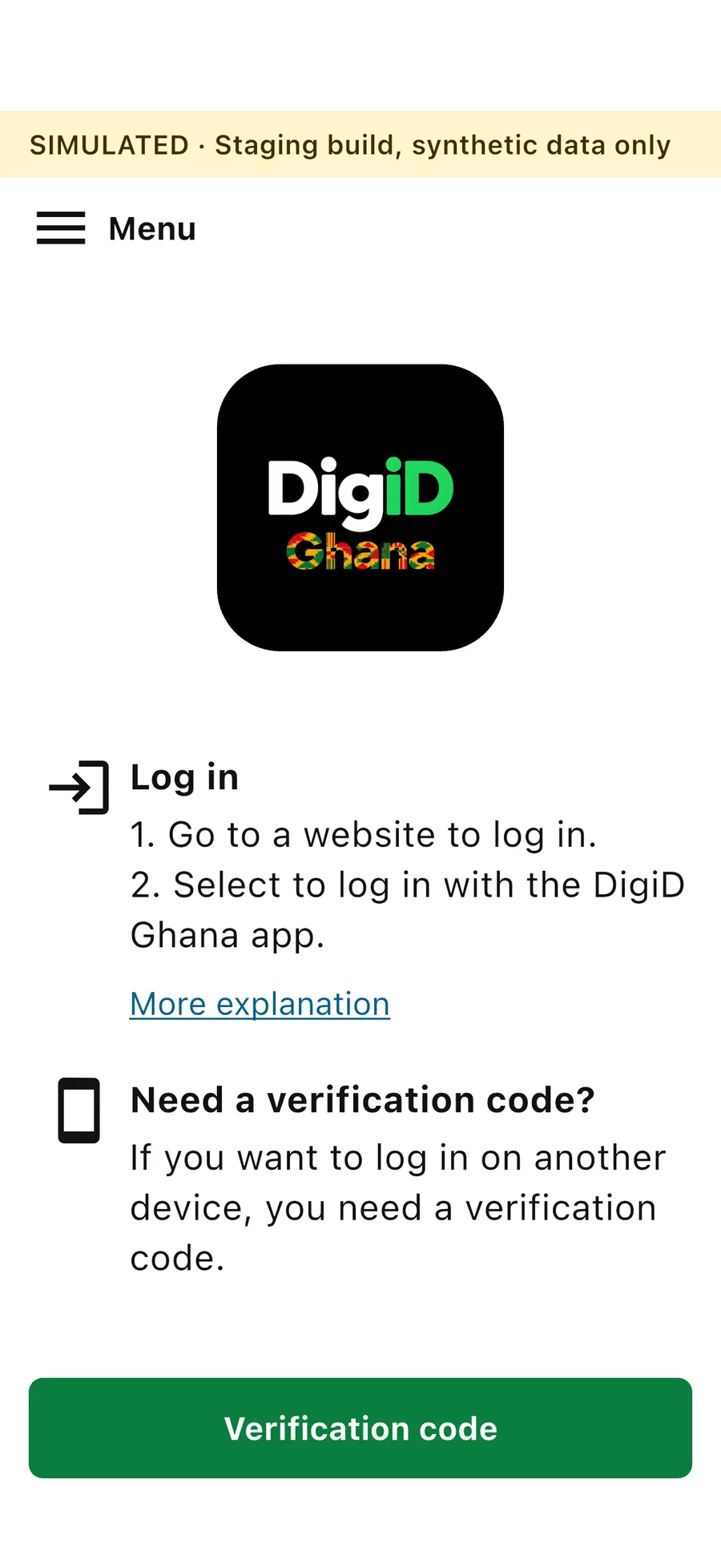
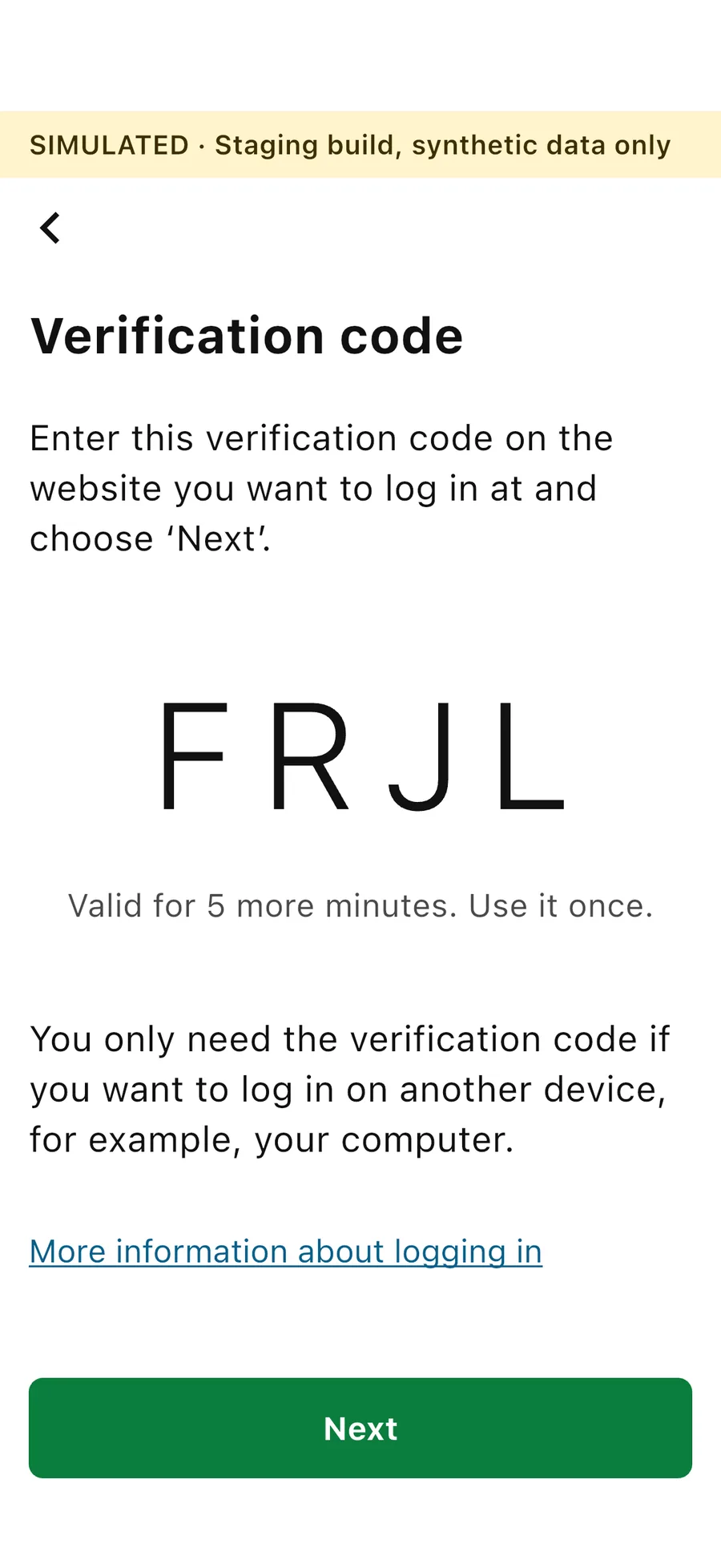
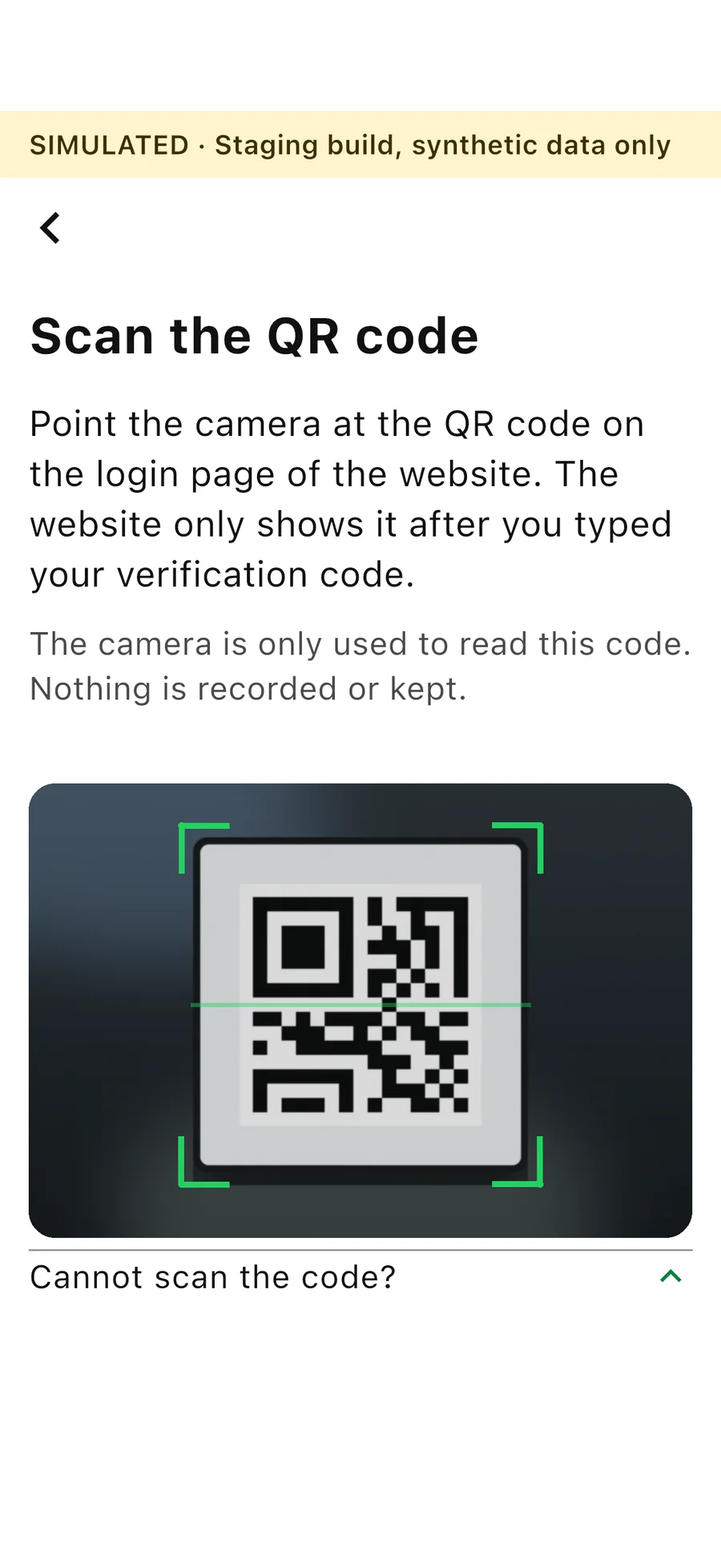
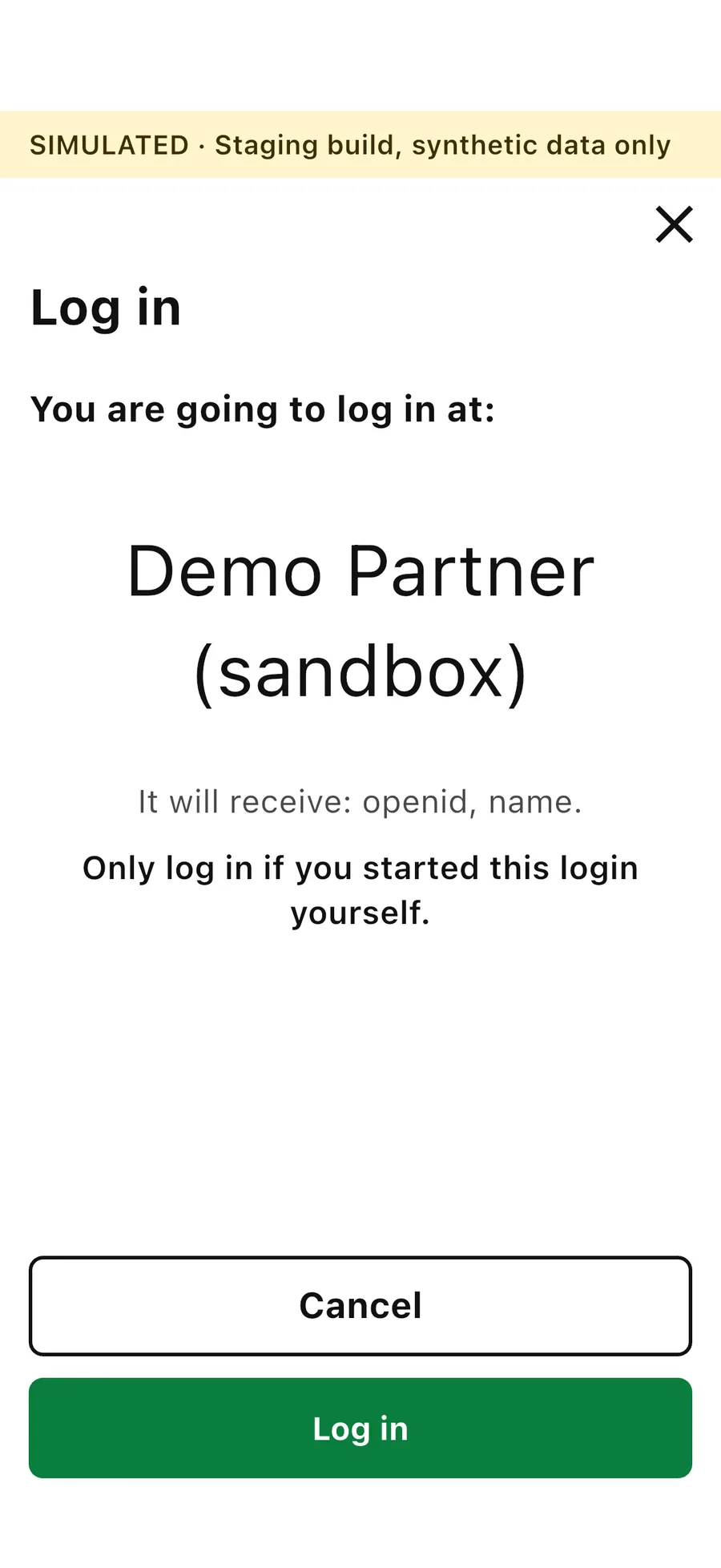
Screens from the DigiD Ghana test version, with invented data. The banner at the top says so. The camera picture on the Scan the QR code screen is an illustration.
Learn more
Ways to log in, and how to get started.
Ways to log in
On the same phone, where the app opens by itself, or on a computer with a verification code and a QR code.
Get started
What getting the app will involve when DigiD Ghana opens.
Staying safe
What keeps your login safe, and what you can do to help.