
For people
Ways to log in
There are two ways to log in with DigiD Ghana. Which one you use depends on the device you are logging in on.
Option 1
On the same phone as the app.
Use this when you are on a website on the phone that has the DigiD Ghana app. You do not need a code or a QR code.
- 1
Sign in to the app first
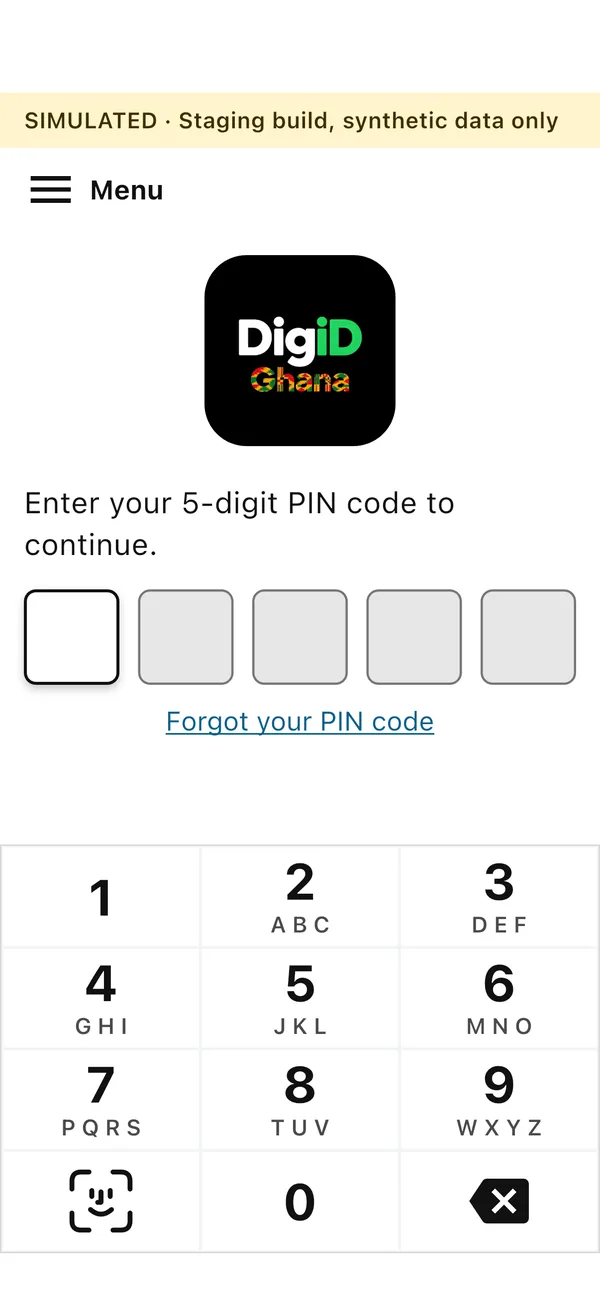
Open the DigiD Ghana app and sign in with your 5-digit PIN code. You must be signed in to the app before you can log in anywhere with it.
- 2
Choose DigiD Ghana on the website
On your phone, open the website of the service and choose “Log in with DigiD Ghana”. The DigiD Ghana app opens by itself.
- 3
Check the organisation
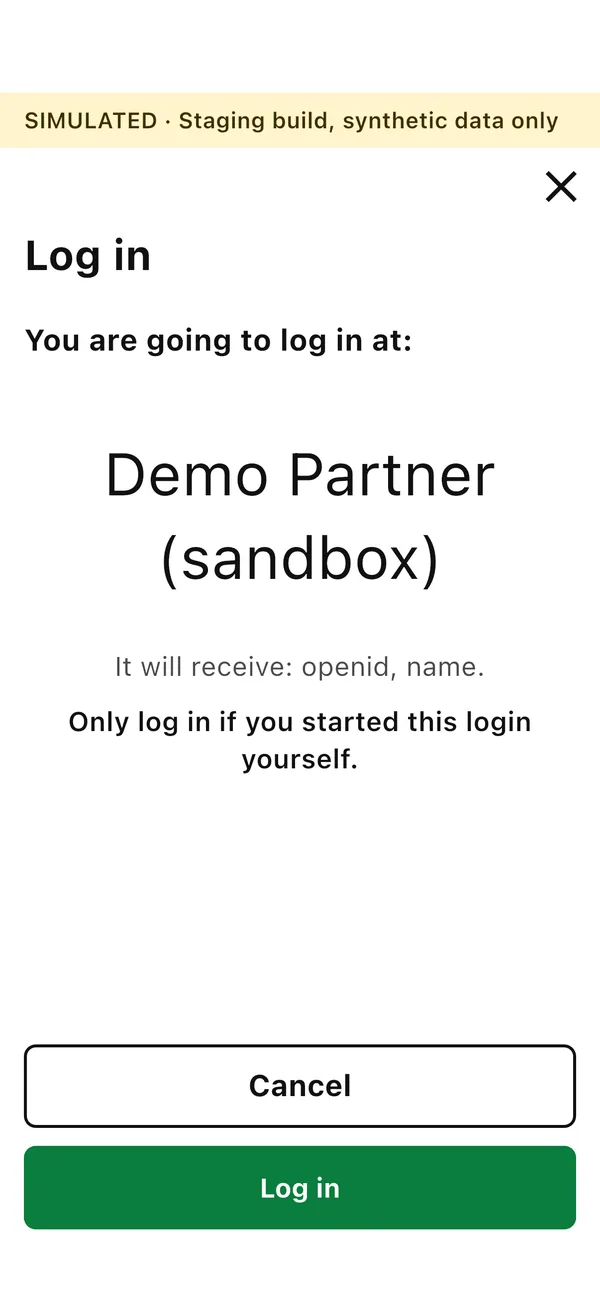
The app says “You are going to log in at:” and shows the name of the organisation. If it is not the one you expected, choose Cancel.
- 4
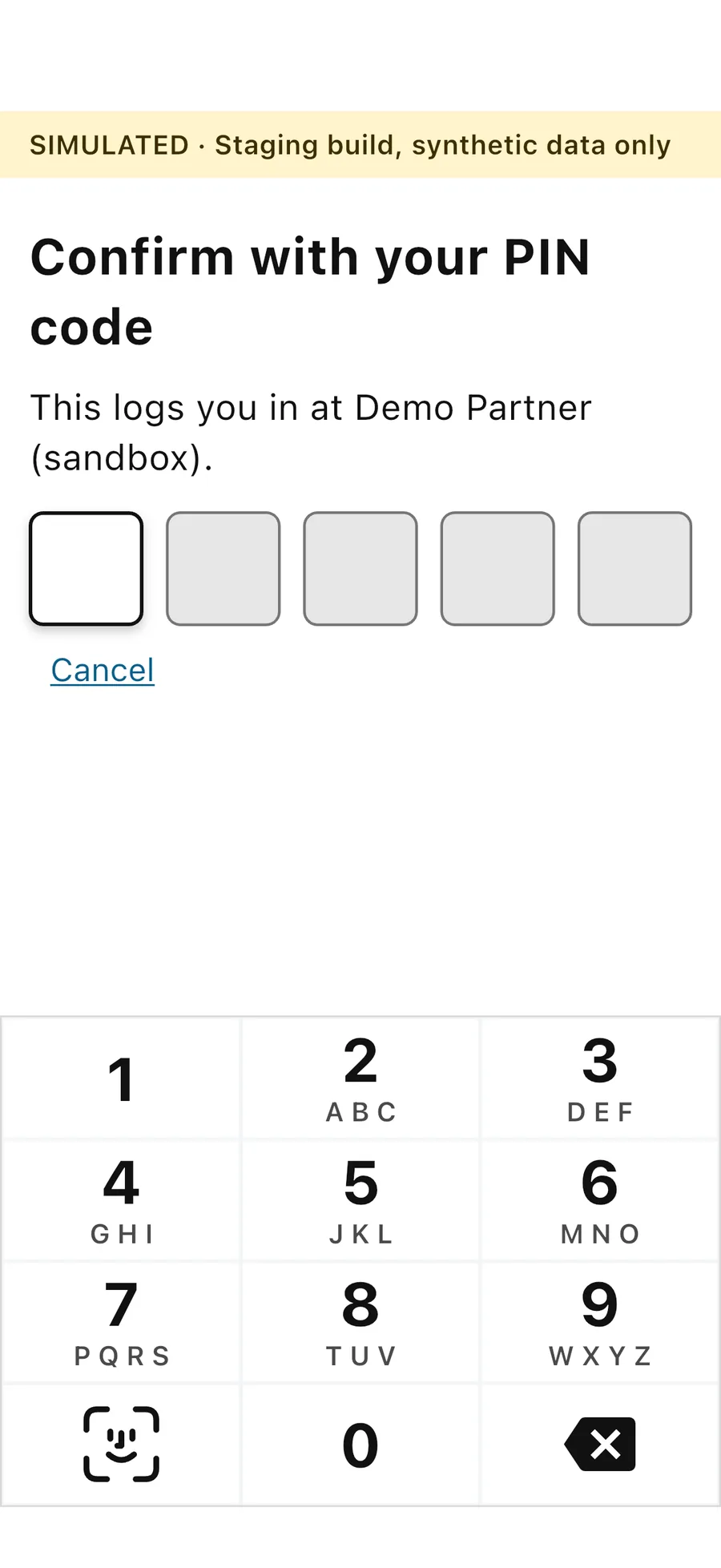
Log in with your PIN code
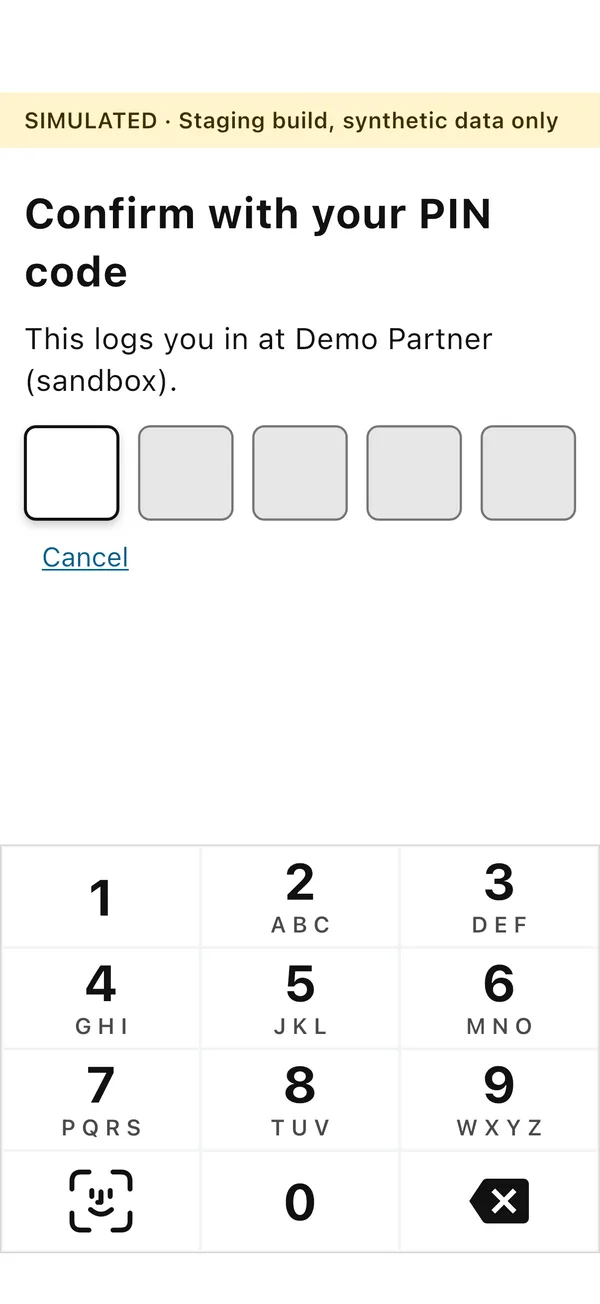
Tap Log in and confirm with your 5-digit PIN code. You are then logged in at the website.

Option 2
On another device, such as a computer.
Use this when you are on a website on a computer or another device. Your phone and the app connect to it with a verification code and a QR code.
- 1
Sign in to the app first
Open the DigiD Ghana app on your phone and sign in with your 5-digit PIN code. You can only ask the app for a verification code after you have signed in.
- 2
Choose DigiD Ghana on the website
On the website on your computer, choose “Log in with DigiD Ghana”. The website asks for a verification code.
- 3
Get your verification code in the app
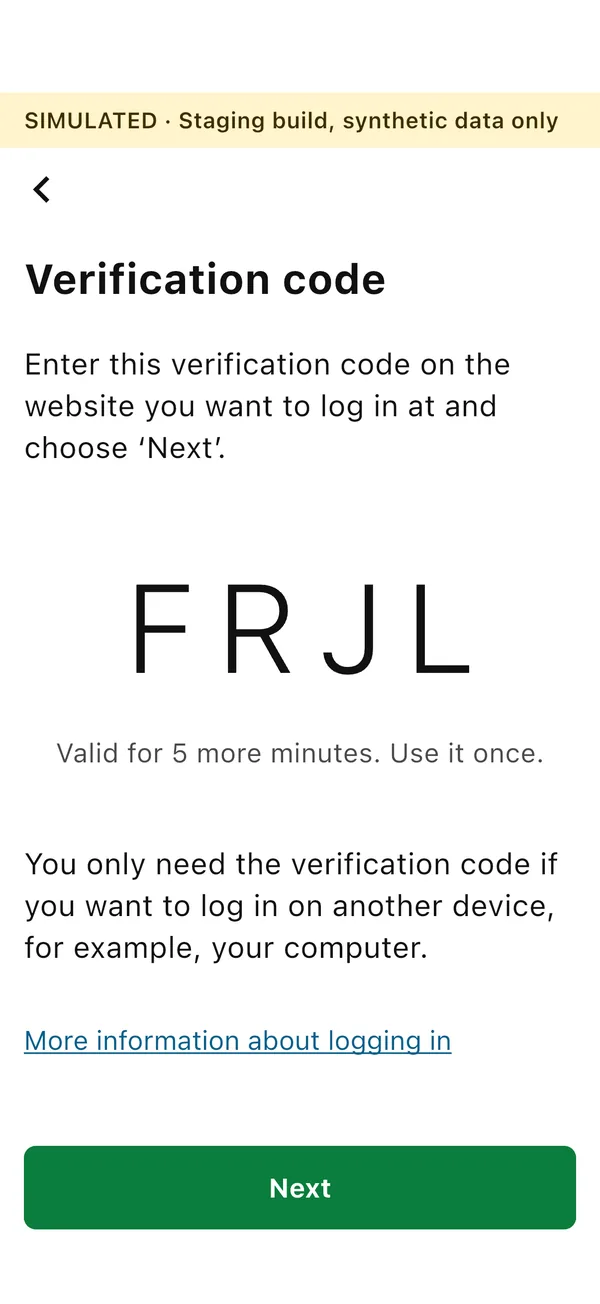
In the signed-in app, tap Verification code. The app shows a four-letter code that is valid for 5 minutes and can be used once.
- 4
Type the code on the website
The website then shows a QR code on your computer screen.
- 5
Tap Next and scan the QR code
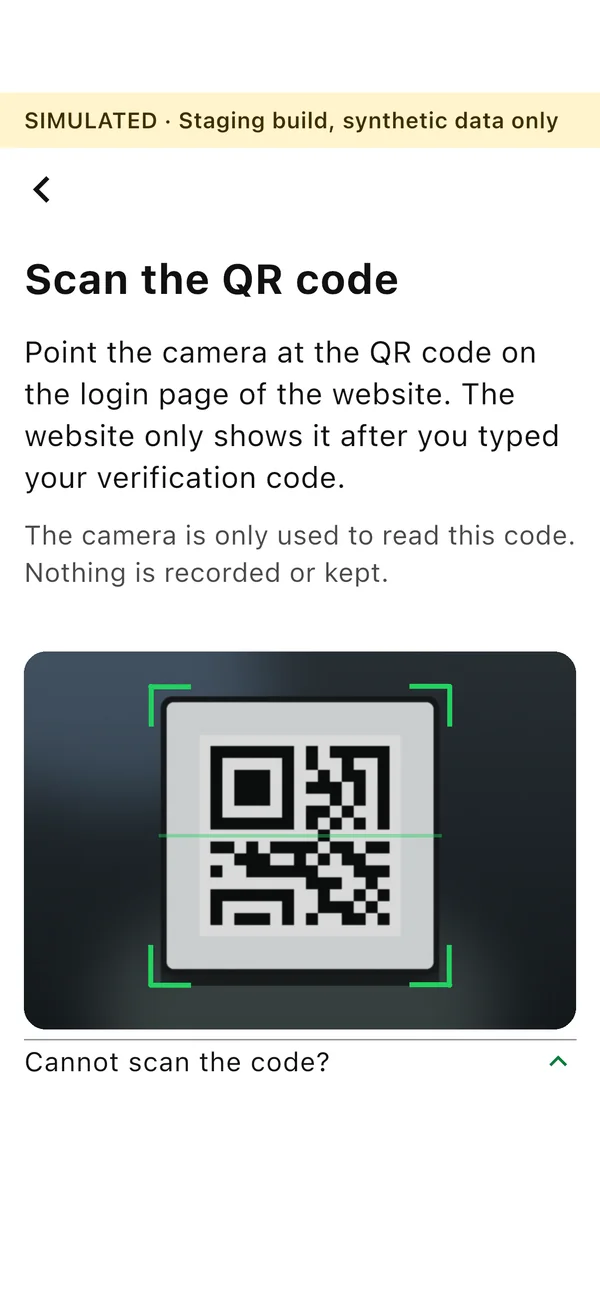
In the app, tap Next. The camera opens inside the app. Point it at the QR code on your computer screen.
- 6
Check the organisation and log in
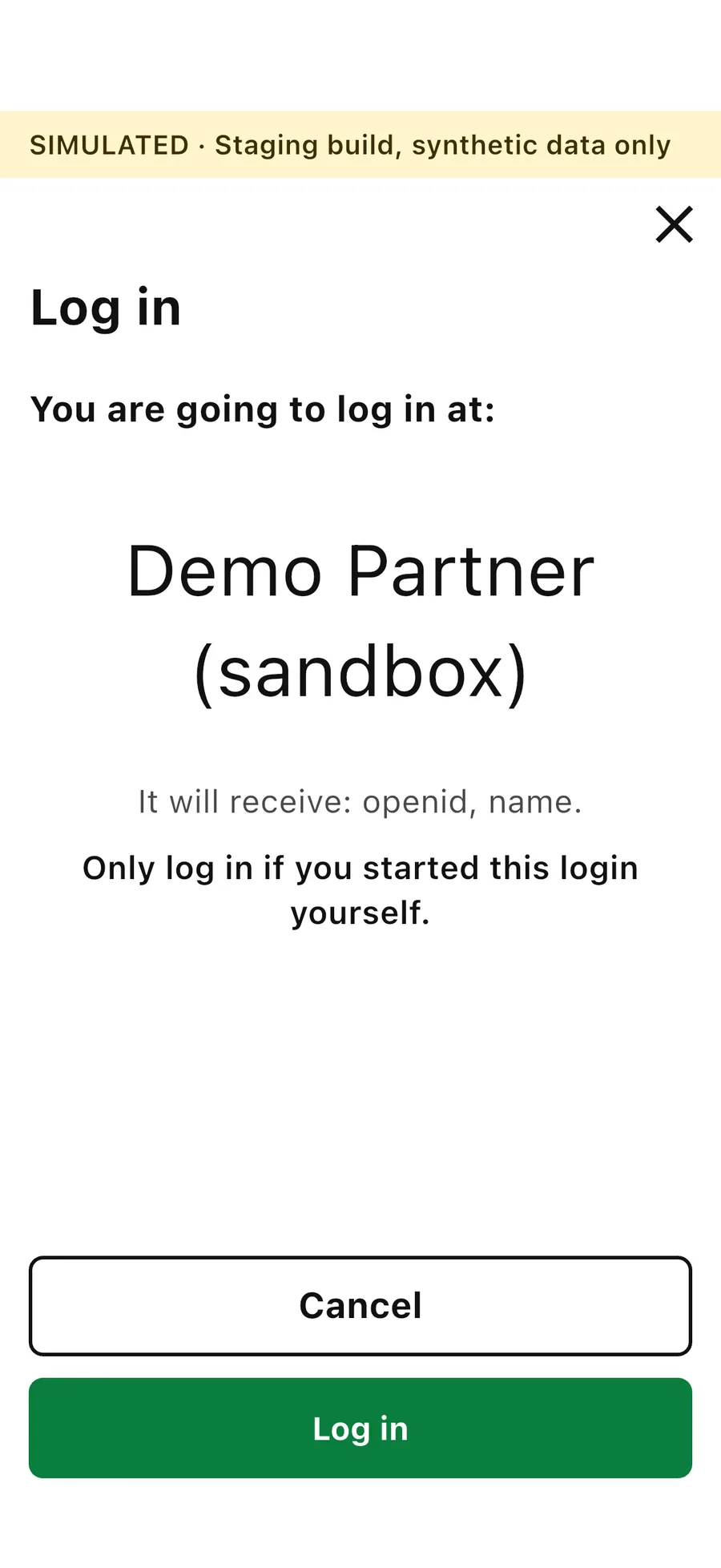
The app shows which organisation you are going to log in at. Tap Log in and confirm with your PIN code. The website then logs you in on your computer.
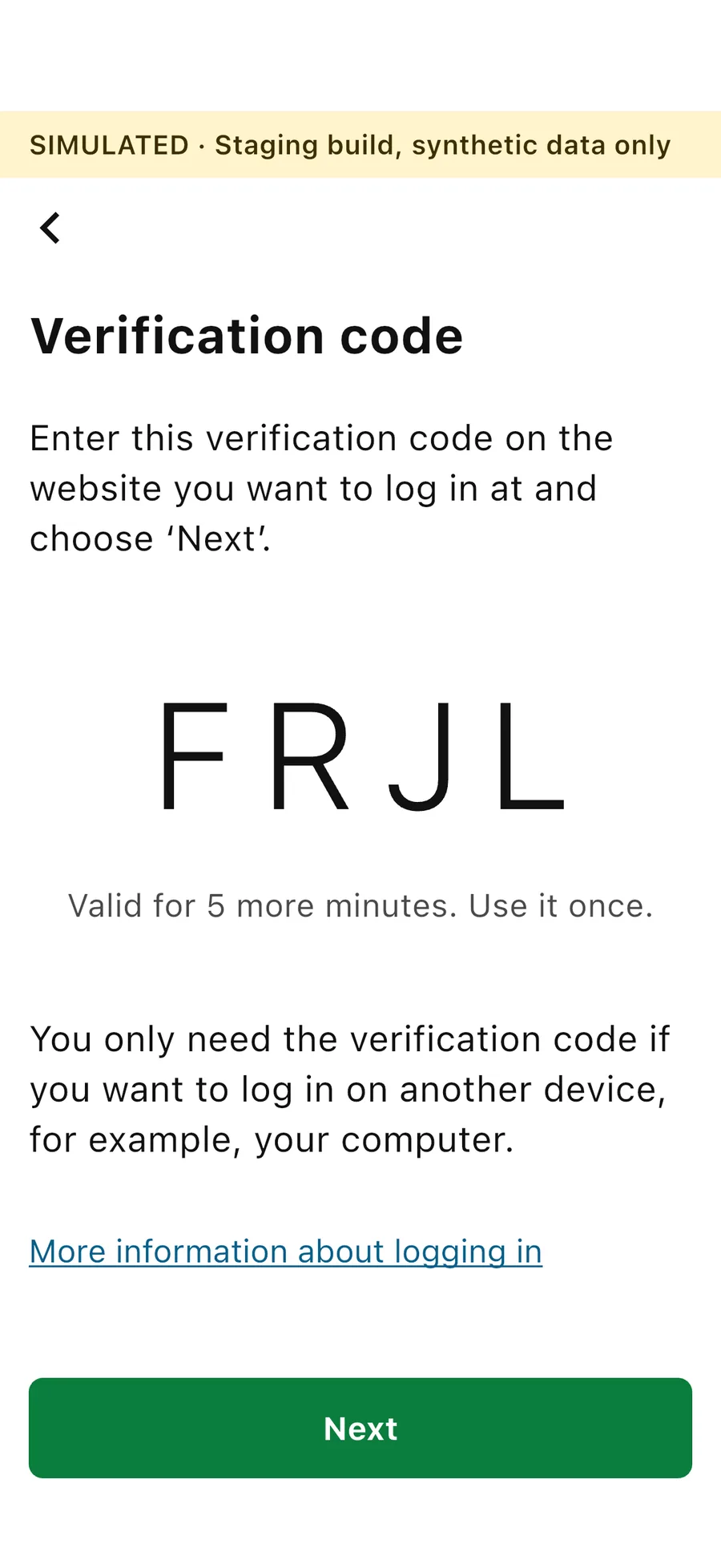
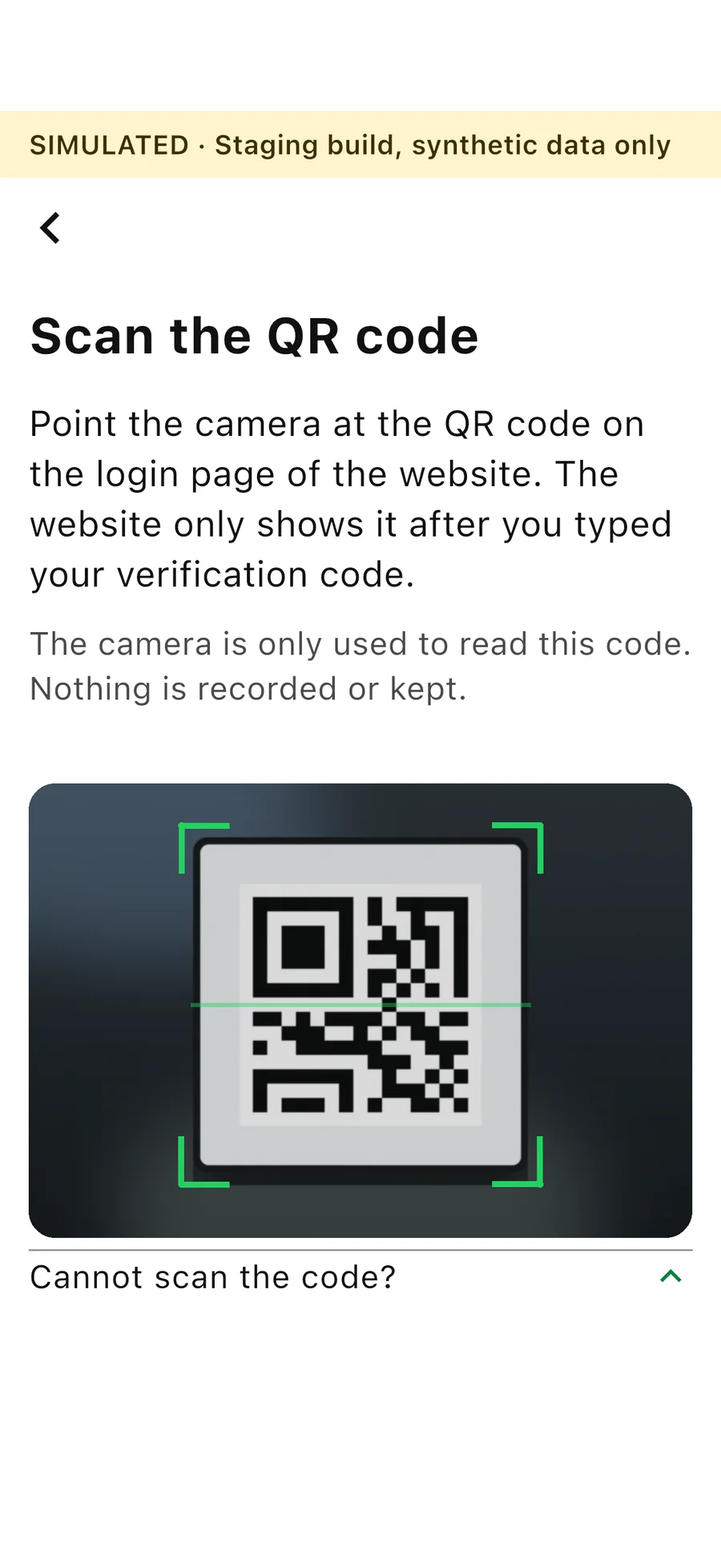
Screens from the DigiD Ghana test version, with invented data. The banner at the top says so. The camera picture on the Scan the QR code screen is an illustration.